
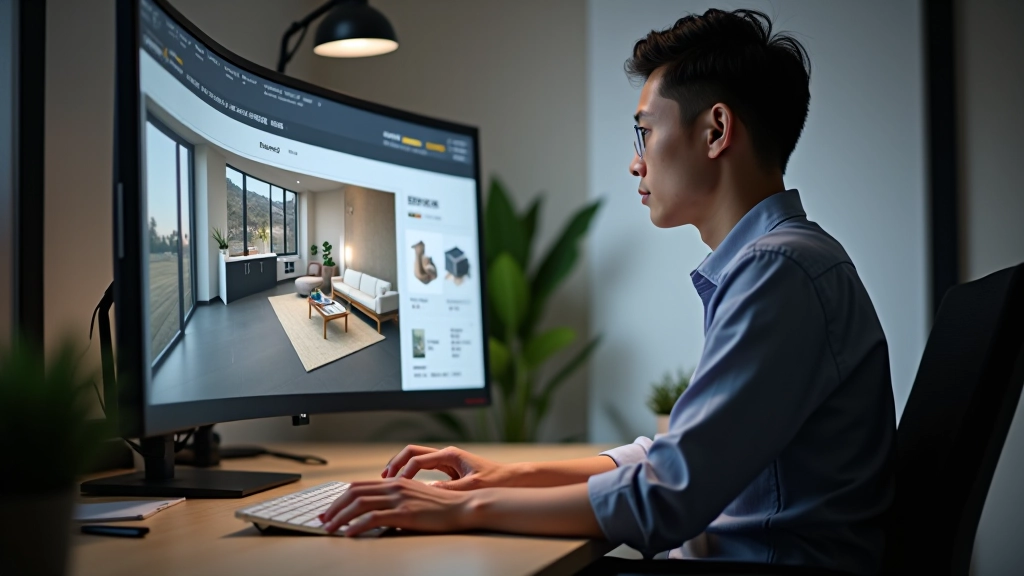
Getting Started with 3D Visualization Tools
Learn the fundamentals of 3D software and how to create realistic interior renderings from your sketches.
Read MoreMaster 3D visualization and mood board creation to elevate your design practice
Explore guides and tutorials on 3D visualization and mood board techniques
Learn the fundamentals of 3D software and how to create realistic interior renderings from your sketches.
Read More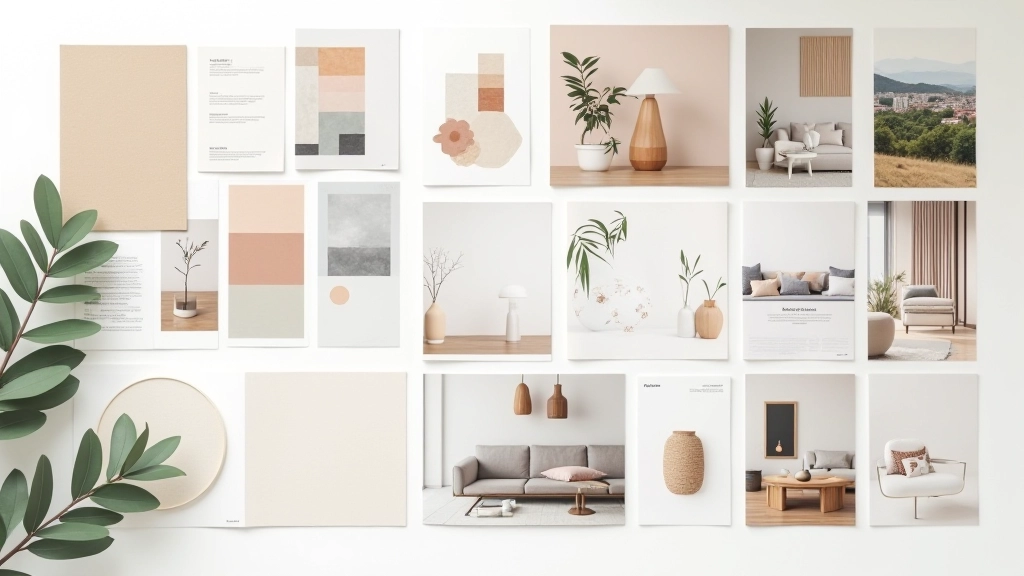
Discover how to curate materials and colors that communicate your design vision clearly to clients.
Read More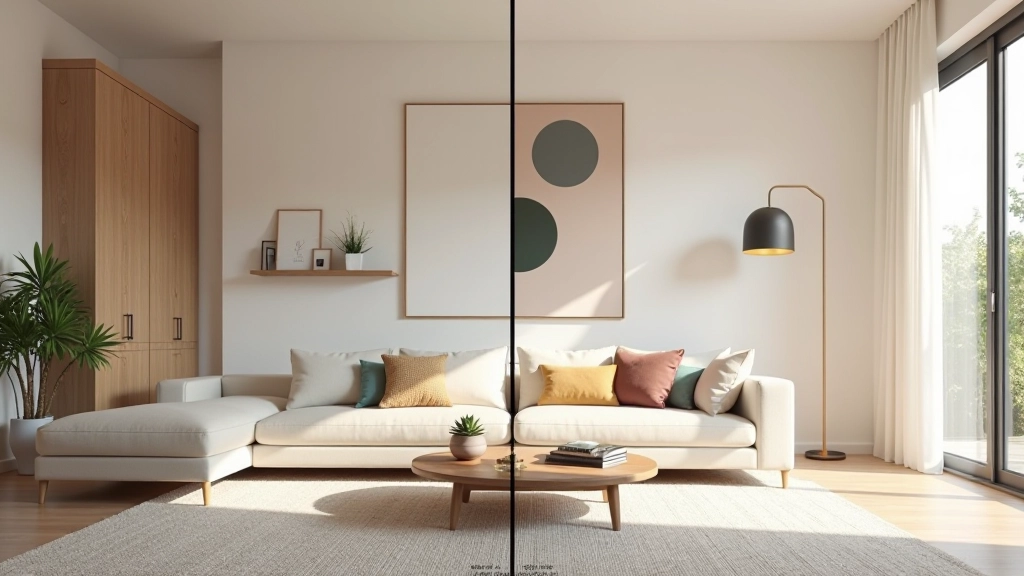
Master the art of creating stunning renderings that help clients visualize finished interiors before construction begins.
Read More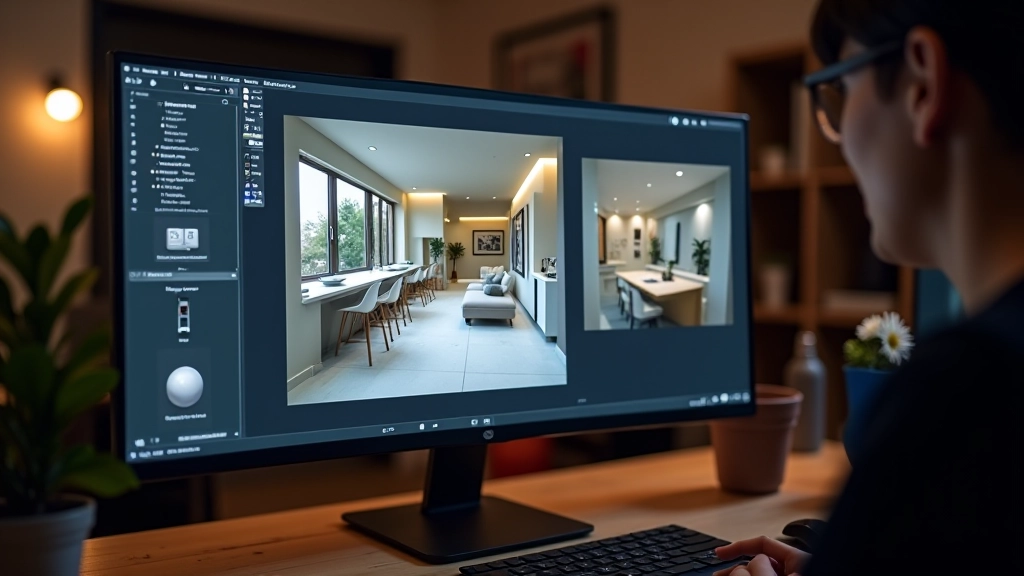
Learn how strategic lighting can transform your 3D visualizations and make designs feel warm, inviting, and professional.
Read MoreEssential practices that elevate your design presentations
Choose colors that evoke the right mood. Warm tones create intimacy, cool tones suggest calm. Test your palette across different lighting conditions before finalizing.
Furniture and fixtures should be appropriately scaled to the room. Don’t let 3D software fool you—always verify measurements against real spaces.
Layer your lighting—ambient, task, and accent. Show your clients how different times of day affect the space. It’s often what sells a design.
Organize your mood boards by function—one for materials, one for color inspiration, one for spatial arrangement. Consistency helps clients understand your vision.
Spend time learning keyboard shortcuts and workflow optimization in your 3D tool. It’s worth the investment—you’ll create renderings faster and with better quality.
Show rough visualizations and mood boards before spending hours on detailed renders. This prevents major revisions and keeps clients involved in the process.